
What a Guilford County Court Docket Contains
A court docket is a chronological log of everything that happens in a case. Each time a party files a document, a judge enters an order, or a hearing takes place, a new entry goes on the docket. The log shows the date of the event, the type of event, and often a brief label. The docket does not reproduce the full text of pleadings or exhibits. It points to where those documents are in the file.
People confuse dockets with calendars, and that confusion is worth clearing up. A calendar is a schedule showing which cases are set for a given courtroom on a given day. A docket is the history of a single case over its entire life. Both are tools for tracking court activity, but they answer different questions. The calendar tells you when court is. The docket tells you what has happened in a case so far and what is scheduled next.
In Guilford County, a docket entry can be procedural or substantive. A procedural entry notes something like a summons being issued or a continuance being granted. A substantive entry records a ruling, an order, or a judgment. Not every entry means a judge ruled on the merits of a dispute. Some entries simply reflect scheduling or administrative steps. Understanding which type of entry you are reading helps you avoid drawing the wrong conclusion from a case status.
Note: a docket entry labeled "disposed" means the case or charge reached a final outcome, but it does not say who won without reading the full disposition text.
How to Search Guilford County Court Dockets
The North Carolina eCourts Portal is the main public tool for case-history dockets in Guilford County. The portal displays docket events as part of the public case view. You can reach it at the eCourts Portal. For upcoming court dates specifically, the Judicial Branch court date search is faster and more focused. The two tools serve different purposes and work best when used together.
Have your information ready before starting. A case number is the cleanest starting point. A full name works for name searches, but add Guilford County as the location filter to avoid pulling results from other counties. Common names need a date range or a case category to narrow the list. If you only have a traffic citation number, use the citation lookup rather than the general portal.
- Open the eCourts Portal and accept the public access terms on the landing screen.
- Enter the case number if you have it, or type the party's last name and first name in the name search fields.
- Set the location filter to Guilford County to cut out results from other eCourts counties.
- Choose a case category such as civil, criminal, infraction, or domestic if the name returns too many matches.
- Open the case from the results list to view the docket event log, hearing dates, parties, and status.
- For upcoming hearing dates, go separately to the court date search, select Guilford County, and search by defendant name or citation number.
If a search returns no results, try alternate spellings, drop the first name, or remove extra filters. Older files, sealed matters, and records not yet converted to the portal system may not appear online. The Clerk of Superior Court remains the source for certified copies and records that are not visible in the portal.
Sample Guilford County Docket Entry Fields
When you open a case in the eCourts Portal, the docket section lists events in order. Each row in the docket covers one event. The table below shows the fields that typically appear in a public docket entry for a Guilford County case. Not every field appears in every case type. Criminal and civil cases can differ in what the system displays.
| Field | What It Shows |
|---|---|
| Entry Date | Date the event was filed or recorded in the court system |
| Event Type | Label for the activity, such as complaint filed, motion hearing, order entered, or continuance |
| Party Filing | Which party (plaintiff, defendant, state, petitioner) initiated the entry, when attributed |
| Document Link | Link to the underlying document if it is public and available in the portal |
| Hearing Date / Time | Scheduled date and time when the event is a future hearing |
| Courtroom / Session | Assigned room or session, relevant for Greensboro and High Point locations |
| Judge / Magistrate | Presiding judicial officer for the event when shown |
| Disposition | Final outcome if the event is a resolving action, such as dismissed, judgment entered, or plea accepted |
| Financial Event | Court costs, fines, or payment activity logged as a docket entry in some case types |
Some entries are visible in the public view. Others may be restricted if the document or the case itself is sealed, confidential, or contains protected information. Social Security numbers, minor names, victim addresses, and medical details are not expected to appear in any public docket display.
Superior Court vs. District Court Dockets
Guilford County has two main trial courts, and each handles different cases. Knowing which court holds a case tells you which calendar type to expect and how the docket is likely to be structured.
Superior Court handles felony criminal matters, larger civil claims, and appeals from District Court. Its dockets tend to cover longer, more complex proceedings. Felony cases in Guilford County move from an initial District Court probable cause hearing through grand jury indictment and then to Superior Court for trial or plea. The Superior Court docket for a felony case can span many months and include arraignment, pretrial motions, hearings, and trial or plea entries.
District Court handles misdemeanors, infractions, traffic citations, domestic relations, juvenile matters, and small claims appeals. Traffic dockets in District Court are often high-volume. Many payable citations never reach courtroom appearance if the driver pays or waives through the citation system. Domestic dockets in District Court can involve emergency hearings, custody calendars, child support sessions, and mediation-related entries. A domestic docket may look quite different from a criminal docket even though both sit in District Court.
| Superior Court | District Court | |
|---|---|---|
| Case types | Felonies, large civil claims, appeals from District Court | Misdemeanors, traffic, domestic, juvenile, small claims appeals |
| Typical docket length | Longer; may run months or years | Often shorter; many citations resolve at first date |
| Calendar volume | Fewer cases per session; trial calendars may run days | Can be high-volume; traffic sessions may list many defendants |
| Locations in Guilford County | Greensboro and High Point courthouses | Greensboro and High Point courthouses |
| Online docket access | eCourts Portal for public case view | eCourts Portal; citation lookup for traffic |
Small claims matters begin before magistrates, not a separate justice of the peace court. Those proceedings are distinct from full District Court trials, though appeals from a magistrate ruling go to District Court for a new hearing. Estate hearings are clerk proceedings rather than judge-run trial sessions; those dockets look different from ordinary civil or criminal dockets and are searched through the eCourts Portal using estate category filters or the decedent's name.
Docket vs. Full Guilford County Case Record
The docket and the full case record are related but not the same thing. People often want one when they need the other. Understanding the difference saves time and prevents mistakes when you need information for a legal deadline or an agency submission.
The docket is a list of events. Each entry has a date, a label, and sometimes a document link. The full case record includes the actual documents behind each entry: pleadings, motions, affidavits, exhibits, orders, and judgments. The docket shows you the skeleton; the file holds the details. An attorney reviewing a case before a motion hearing needs the actual filed documents. A family member checking whether a hearing happened can often answer that question from the docket alone.
Access also differs. Public dockets in the eCourts Portal are generally viewable without a fee and without going to the courthouse. Certified copies of actual documents require contacting the Clerk of Superior Court, paying a statutory fee, and sometimes traveling to the courthouse if documents are not available in the portal. A portal printout, a screenshot, or a downloaded PDF may not satisfy agencies that require official certification. The obtaining court records page from the Judicial Branch explains the request steps for certified copies.
- Docket
- A chronological event log for a single case. Shows what happened and when. Viewed online through the eCourts Portal.
- Calendar
- A schedule of hearings for a courtroom or session on a specific date. Found through the court date search rather than the case record.
- Full case record
- All documents filed in a case: pleadings, motions, orders, judgments. May require a clerk request or in-person inspection.
- Certified copy
- An official copy authenticated by the clerk with a raised seal. Required by most courts, employers, and agencies for legal purposes.
Note: an online docket is a starting point, not an official certified record, and should be confirmed with the clerk before use in any legal or employment context.
Continuances and Docket Changes in Guilford County
A continuance moves a hearing to a later date. Continuances are common in both civil and criminal dockets. They can happen because a party requests more time, an attorney has a conflict, a witness is unavailable, or the court's calendar is full. When a case is continued, the old date may still appear in older notices. The most recent official order or notice controls. Online dockets can lag behind actual court scheduling, especially if a continuance was granted from the courtroom on the date of the original hearing.
If a case is continued and you are a party, use your most recent written notice from the court rather than the online portal to confirm your next date. The court date search updates as new hearing data loads, but it is not instant. For any time-sensitive date, call the Guilford County clerk's office to confirm.
Failure to appear is the most serious continuance-related issue. When a party or defendant does not show, the court may enter a failure to appear (FTA) in the docket. In criminal cases this can result in an order for arrest (OFA). In traffic cases it can also create driver's license consequences. Once an FTA or OFA appears in the docket, the case status changes quickly. Addressing it fast, by calling the clerk or an attorney, is always the better option.
- Continuance: hearing rescheduled to a new date by court order or agreement.
- FTA (failure to appear): defendant or party did not appear at a scheduled hearing.
- OFA (order for arrest): issued by a judge after FTA or other court violation.
- Calendar call: session where cases are called to set or confirm scheduling.
- Administrative setting: date used to manage case status rather than take evidence or argument.
Federal Court Dockets for Guilford County Cases
Not every Guilford County case goes through state court. Federal civil rights actions, federal criminal prosecutions, bankruptcies, and federal-question matters are filed in federal court, not the North Carolina state courts. Those dockets are searched through federal systems, not the eCourts Portal.
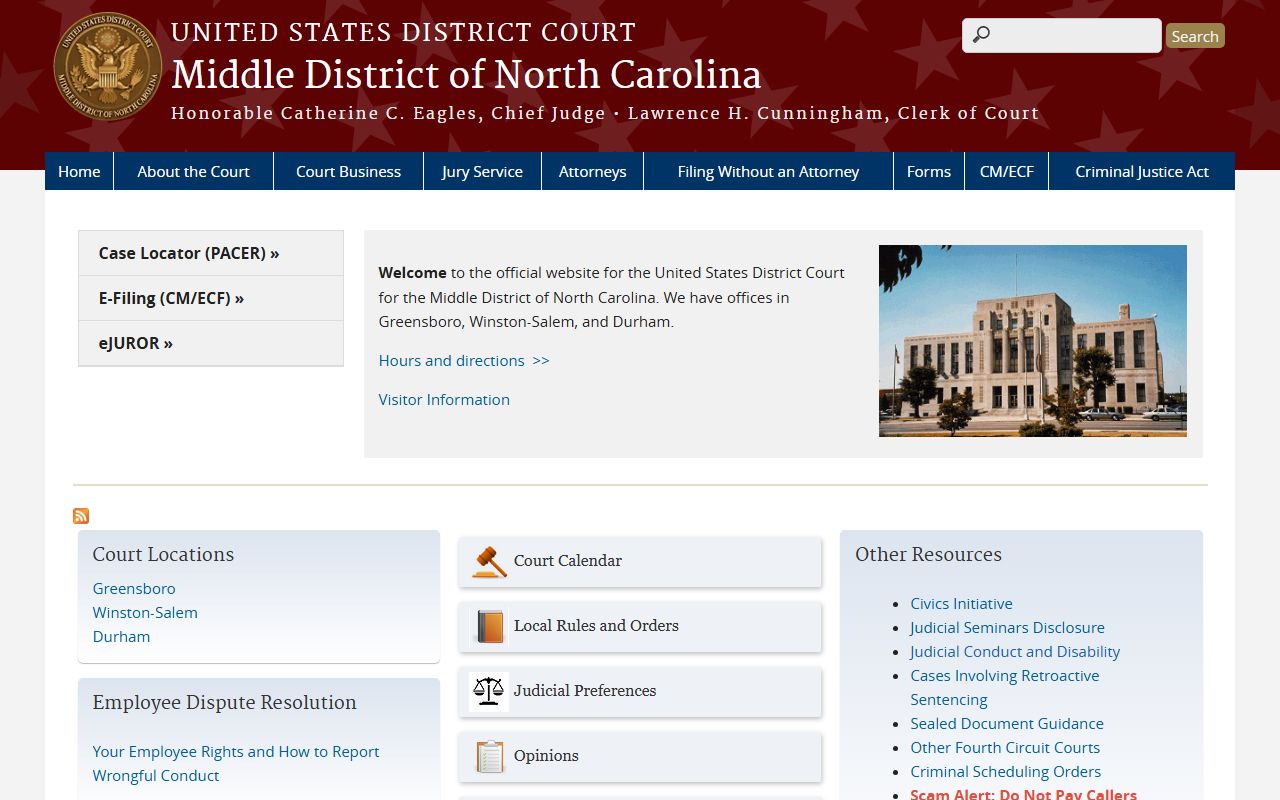
The primary federal court for Guilford County is the U.S. District Court for the Middle District of North Carolina. Civil rights cases, federal criminal cases, diversity jurisdiction matters, and habeas petitions from Guilford County are filed there. The official site shows local rules, judge information, and filing instructions. Federal dockets from this court are accessible through PACER, the federal courts' public access system.
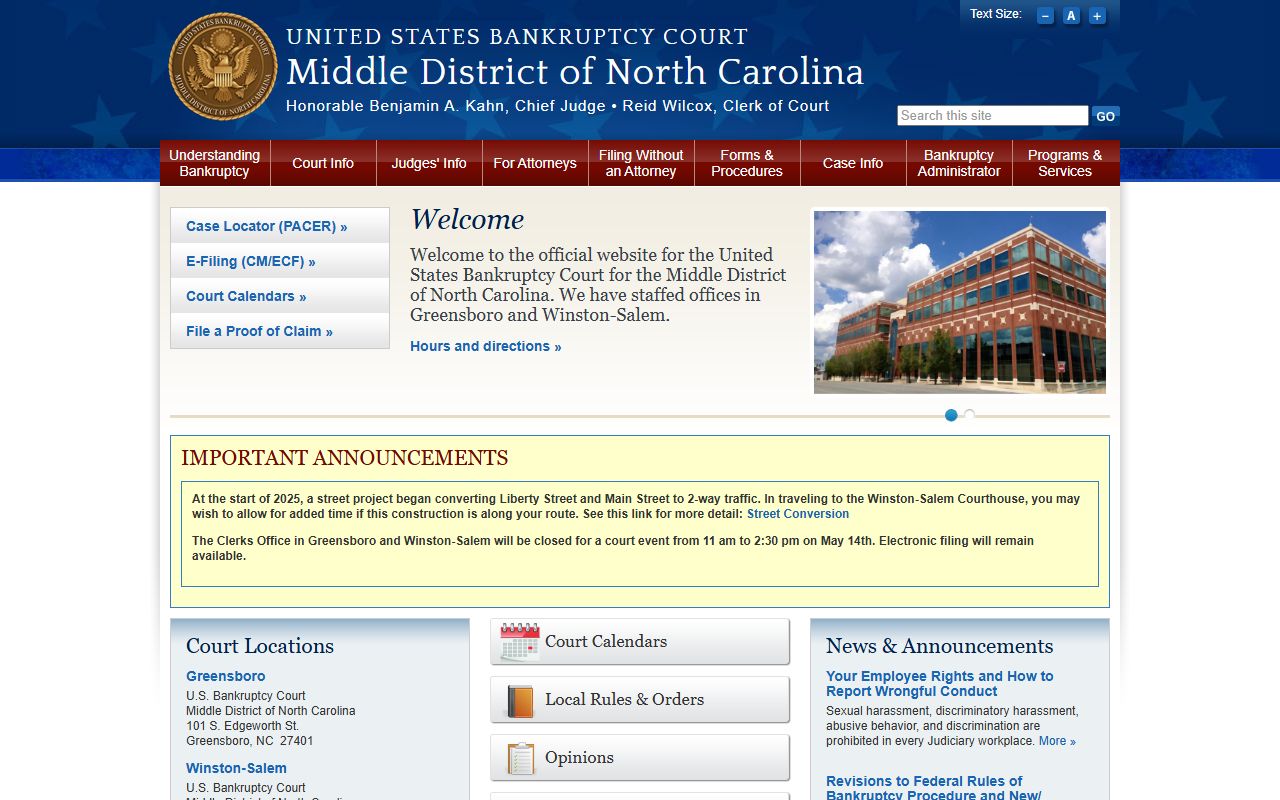
Federal bankruptcy filings from Guilford County go to the U.S. Bankruptcy Court for the Middle District of North Carolina. Bankruptcy cases, including Chapter 7 liquidations, Chapter 13 repayment plans, and Chapter 11 reorganizations, are federal proceedings. Their dockets include claims registers, adversary proceeding entries, discharge orders, and trustee notices. Searching for a Guilford County bankruptcy docket means using the bankruptcy court's own resources or PACER, not the state eCourts Portal.
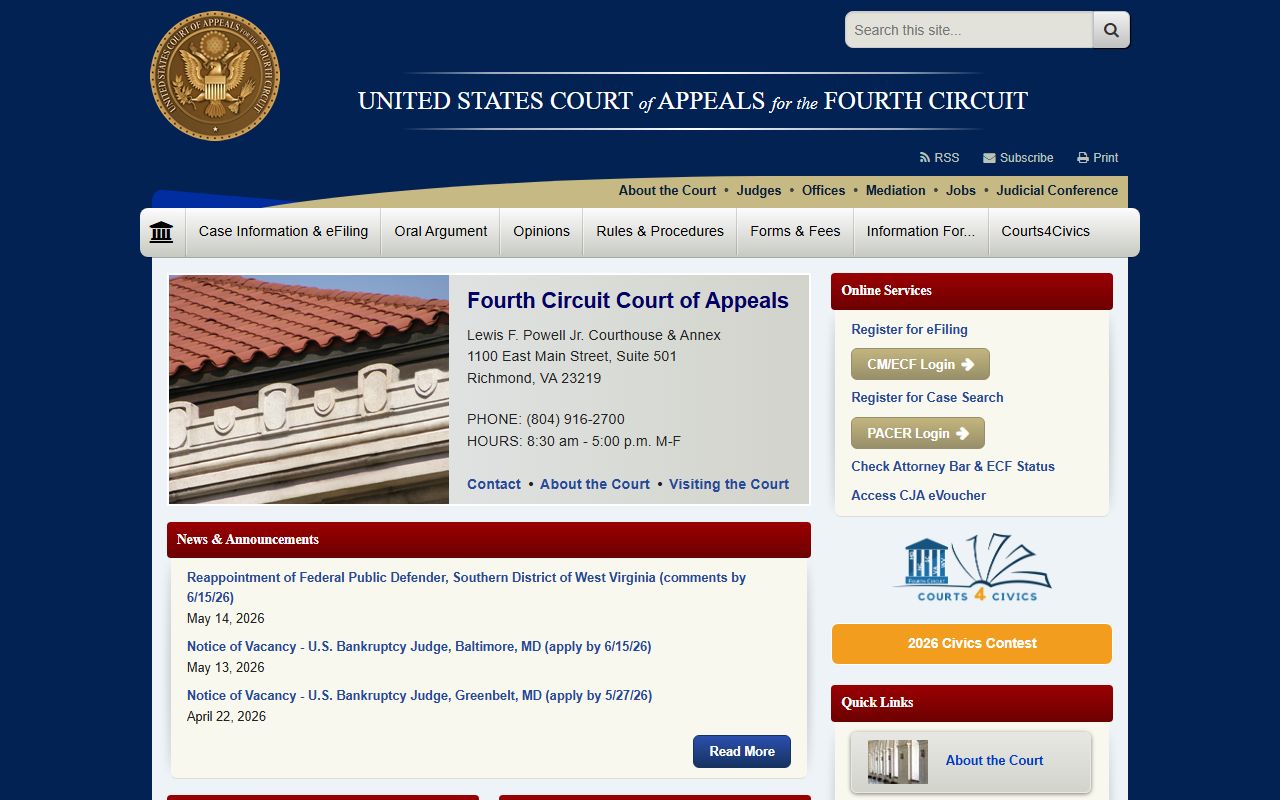
Federal appeals from the Middle District of North Carolina go to the U.S. Court of Appeals for the Fourth Circuit. If a Guilford County federal case is appealed, the appellate docket is a Fourth Circuit matter. The Fourth Circuit's site provides docket search tools and published opinions. Unpublished opinions and dockets with filed briefs are also accessible through PACER.
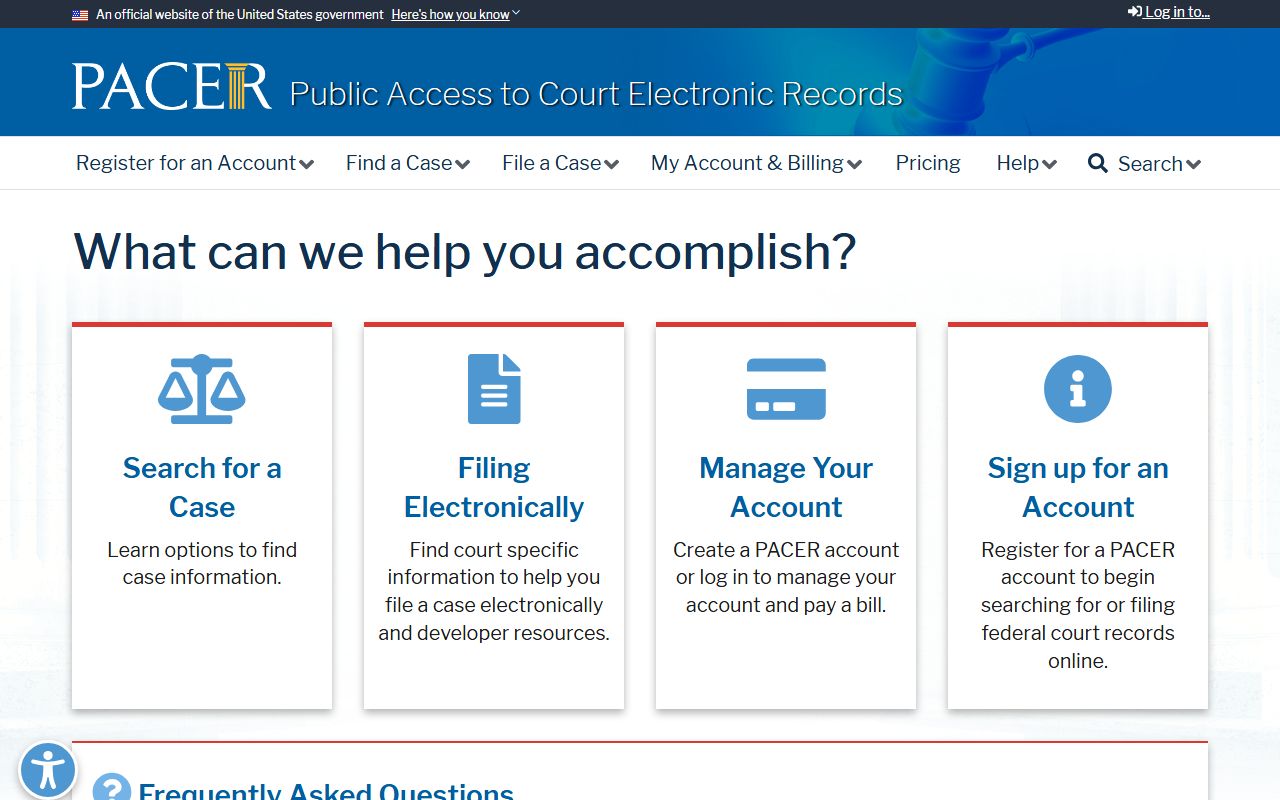
PACER (Public Access to Court Electronic Records) is the official access point for most federal dockets across all U.S. District Courts, Bankruptcy Courts, and Courts of Appeals. An account is required. Fees may apply per page of records accessed, though a quarterly fee-waiver threshold applies for smaller users under current federal policy. Many federal courthouses also have public terminals where you can access dockets without a fee.
One practical point: a federal case arising from events in Guilford County does not appear in the North Carolina eCourts Portal. A state eCourts search for a case that was filed federally will return no result. If you know the matter went to federal court, skip the state portal and go directly to PACER or the relevant federal court's website.
Guilford County Docket Terms Explained
Court dockets use short labels and codes. The same event can appear with slightly different wording depending on the case type and the court. The list below covers the terms that show up most often in Guilford County docket searches. Reading them correctly keeps you from misreading a case's status or outcome.
A charge on a docket is not a conviction. A case listed as "active" or "pending" is still in progress. A "disposed" case has reached a final outcome, but the nature of that outcome, whether it was a guilty plea, a dismissal, a trial verdict, or a judgment for one party, requires reading the disposition entry itself. Two cases can both be "disposed" with very different results.
- Calendar call
- A session where cases are called for scheduling or status review, not necessarily for evidence or argument.
- Motion hearing
- A hearing on a party's request for a court order, such as a motion to suppress, a motion to dismiss, or a motion for summary judgment.
- Administrative setting
- A court date used to manage case status rather than take evidence; the court may note compliance or schedule a future hearing.
- Plea
- A proceeding in a criminal case where the defendant enters a guilty, not guilty, or no-contest answer to a charge.
- Compliance review
- A hearing to check whether a party has completed conditions ordered by the court, such as community service, treatment, or payment.
- Show cause
- An order requiring a party to appear and explain why the court should not impose a sanction or hold the party in contempt.
- Return of service
- A filing showing that legal process, such as a summons or a subpoena, was properly served on the required party.
- Notice of hearing
- A filed document notifying parties of an upcoming court date, time, and courtroom.
- Continuance
- A court-approved postponement of a hearing to a later date.
- Judgment entered
- The final enforceable decision placed in the file, often the last major docket event in a civil case.
- Remanded
- Sent back to a lower court or to custody, depending on the context in which the term appears.
- Waiver
- In traffic and infraction cases, a payment or acknowledgment that the defendant waives courtroom appearance where allowed by law.
Two abbreviations trip people up most often: FTA and OFA. FTA means failure to appear. OFA means order for arrest, which a judge issues when someone misses a court date or violates a court condition. If you see FTA or OFA in a Guilford County docket, the case has changed from a routine scheduled matter to a more urgent situation. Contact the Clerk of Superior Court or an attorney quickly.
Traffic, Criminal, and Domestic Dockets in Guilford County
Dockets look different depending on the case type. Traffic dockets in Guilford County can involve dozens of defendants on a single calendar. Many citations are resolved before the court date by payment or waiver through the citation lookup system. When a citation is not payable or the driver wants to contest it, the case gets a District Court date and a docket entry for that session. A DWI charge is a criminal matter, not a payable traffic citation; its docket is in the criminal case file and may include bond orders, chemical test results, and pretrial motions. For more on DWI and serious traffic offenses, see Guilford County traffic court records.
Criminal dockets, especially for felonies, can run long. A felony case in Guilford County starts in District Court with a first appearance and probable cause hearing. After a grand jury indictment, it moves to Superior Court. The Superior Court docket for a felony may include arraignment, multiple motion hearings, a trial or plea session, and a sentencing date. Each step creates a new docket entry. The Guilford County arrest records page covers the early stages of that process, including booking and initial charges.
Domestic dockets in District Court can be among the most active. A single family case can have docket entries for emergency hearings, temporary custody orders, mediation sessions, child support reviews, contempt proceedings, and custody compliance checks. Some domestic entries are restricted because they involve minor children or confidential victim information. If part of a domestic docket is sealed or restricted, that will usually be visible in the docket as a gap or a sealed-file notation rather than a fully hidden record. For records related to estates and probate matters handled by the clerk, see Guilford County probate records.
Reading and Using Guilford County Dockets
A few practical habits make docket searches more useful. Always check the case status first. A case marked "disposed" may still have pending financial obligations, appeals, or compliance deadlines that show up in later entries. Read the most recent docket entries before the older ones to understand where the case stands right now.
Check the courthouse location for any scheduled hearing. Guilford County has courthouses at 201 South Eugene Street in Greensboro and 505 East Green Drive in High Point. A docket entry may identify the room or session but not always the building. Your official court notice controls. If you are unsure which courthouse your hearing is at, the court-date search or a call to the clerk resolves that faster than any portal search.
Online dockets are public records, but they are not certified court documents. They can have a small delay between an event happening and the entry appearing in the portal. For a job application, a background check, a loan, or a legal proceeding, an employer or agency will likely require a certified criminal disposition or certified copy of a judgment, not a portal printout. The eCourts Portal is a reference tool. Certified records come from the Clerk of Superior Court at the Guilford County courthouse.
If a search on the portal returns nothing, that does not always mean no record exists. Older files, records from before the eCourts conversion, sealed matters, juvenile files, and non-public case categories may not appear. Try the case number directly if you have one, try alternate name spellings, remove date filters, and check that you have selected Guilford County. The court records help page from the Judicial Branch covers these scenarios. If the clerk confirms a file exists but it is not online, in-person inspection or a written records request is the next step.
For a full case file rather than a docket log, see Guilford County court records. For warrant and wanted person information, see Guilford County warrant records. For public records requests beyond the court system, see Guilford County public records. If you have questions about the court process itself, the Guilford County court records FAQ covers the most common issues.