
How to Search Guilford County Court Records
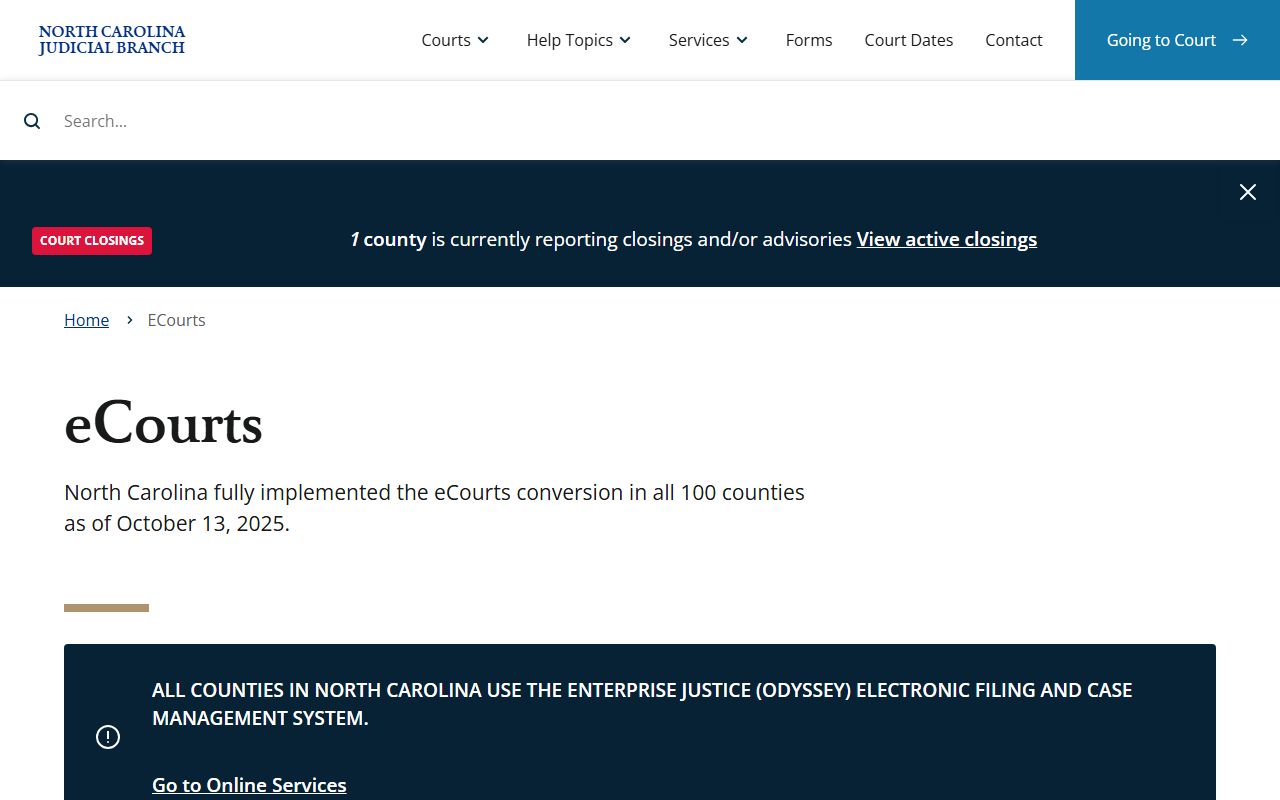
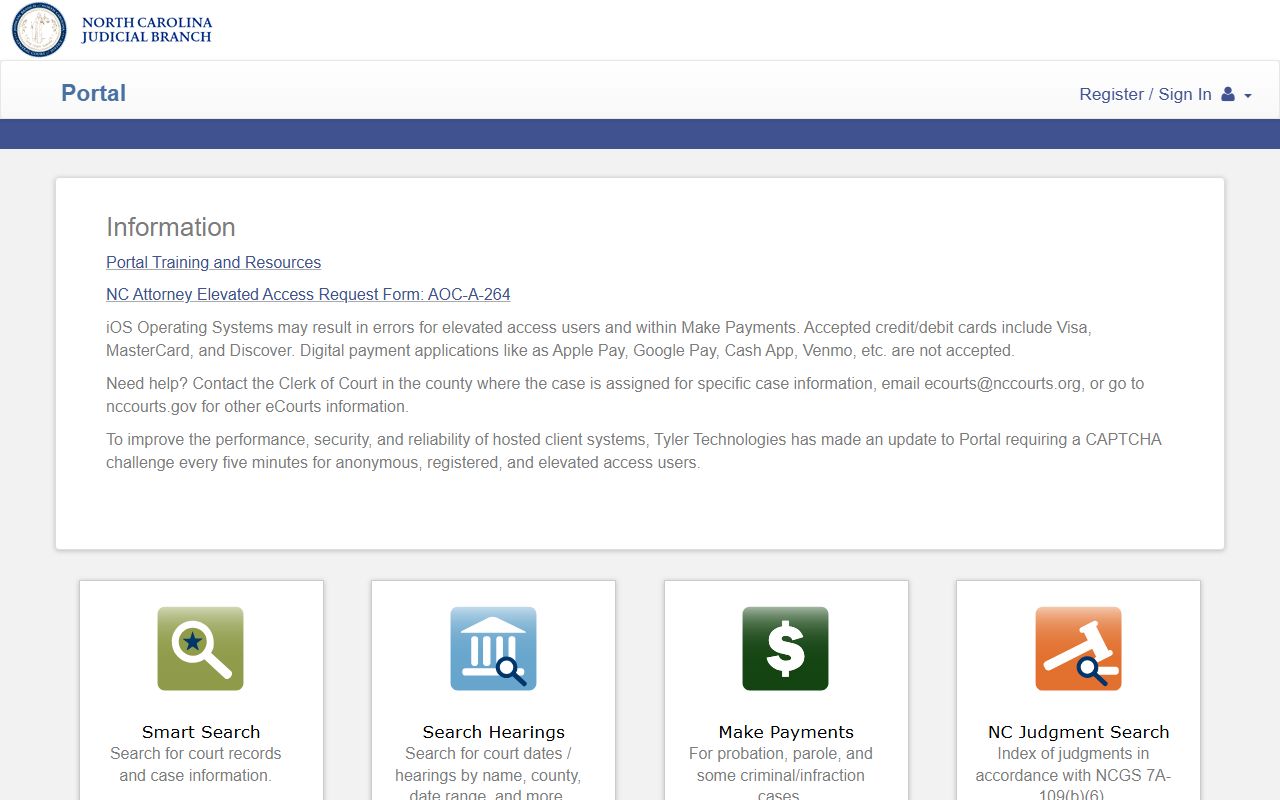
The main public tool is the North Carolina eCourts Portal. It is a statewide system, so it covers Guilford County along with other eCourts counties. You can search by case number, party name, business name, or attorney where the data is loaded. For hearings, the court date search is faster. For traffic tickets, the citation lookup handles payments. The court records help page from the Judicial Branch explains what the public can see.
Have your details ready before you search. A case number gives the cleanest match. A full name works when you add the county and a date range. Because the portal is statewide, set the location to Guilford County to cut out other counties. Names can carry middle initials, suffixes, hyphens, or older married names, so try a few spellings. For a business, use the exact entity name, including commas and an LLC suffix. Estate and special-proceeding cases may search better by a decedent name or file number than by the personal representative's name.
- Open the eCourts Portal and accept the public access terms.
- Type a party name or the exact case number from your paper notice.
- Choose Guilford County as the location to narrow the list.
- Filter by case category and filing date if too many results show.
- Open the case to read parties, hearings, and docket entries.
- Request a certified copy from the Clerk of Superior Court if you need one for court or an agency.
Guilford County Court Records Search Fields
The eCourts Portal uses a small set of search fields. Each one narrows the result in a different way. Smart Search is the broad option. The other fields tighten the match. Common names need a county filter and a date range to work well.
| Field Label | Type | Required | Notes / Format |
|---|---|---|---|
| Smart Search | Text | No | Case number, party name, business name, or attorney terms |
| Case number | Text | No | Use the exact number, including letters and leading zeros |
| Party name | Text | No | Last and first name is the practical minimum |
| Location / county | Dropdown | No | Select Guilford to avoid statewide matches |
| Case category | Dropdown | No | Civil, criminal, infraction, domestic, estate |
| Date range | Date picker | No | Narrows filing or hearing dates |
| Search | Button | Yes | Runs the query |
Note: the public view may not show every document in a case, since sealed and restricted items stay hidden.
Types of Guilford County Court Records
Court records cover many case types, and each follows its own rules. Civil and most criminal files are open. Family files can hold restricted parts. Juvenile files are largely closed. The court that produced the file shapes where it sits and how you search it.
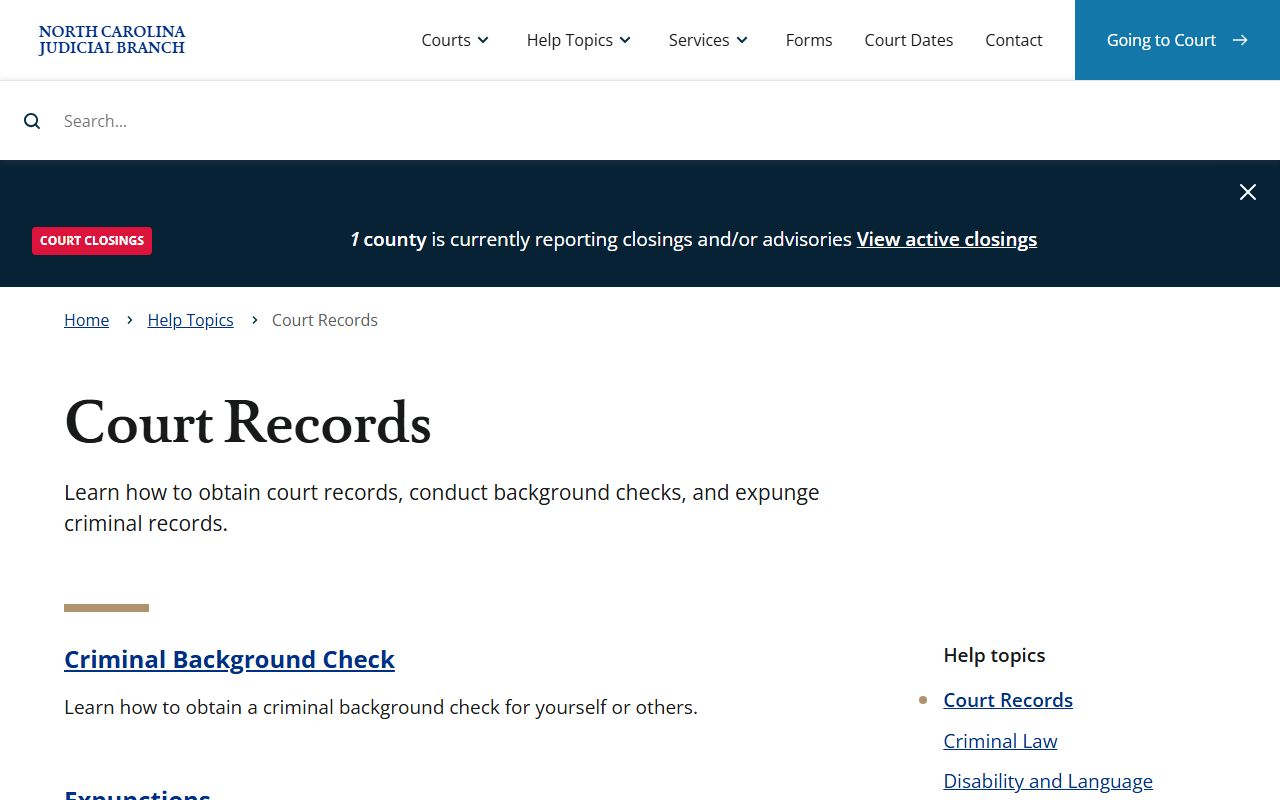
These are the main record types you will find:
- Criminal records - warrants, charges, pleas, verdicts, and judgments, with felonies mostly in Superior Court.
- Civil records - contract suits, torts, collections, foreclosures, and name changes.
- Family and domestic records - divorce, custody, child support, and protective orders.
- Probate and estate records - wills, letters, inventories, and guardianship files held by the clerk.
- Traffic and infraction records - citations, court dates, dispositions, and costs.
The court level tells you where to look. Felony criminal matters and larger civil claims are Superior Court cases. Misdemeanors, infractions, traffic tickets, and many domestic matters are District Court cases. Estates and special proceedings sit with the clerk. For recorded deeds, plats, and marriage records, the Register of Deeds is the right office, not the court clerk. Civil judgments and liens can appear in both court files and Register of Deeds filings when a lien is recorded against property.
What Guilford County Court Records Show
A public case view lists the core facts. It names the court, the parties, the filings, and the outcome. It hides protected data. Social Security numbers, account numbers, juvenile names, and victim details do not appear in the public view.
A typical Guilford County court record shows these fields:
| Field | What It Shows |
|---|---|
| Case Number | Year, case-type code, and sequence that identify the file |
| Filing Date | Date the case was opened or a document was filed |
| Parties | Plaintiff, defendant, petitioner, respondent, or estate representative |
| Attorneys | Attorney of record for each represented party, when public |
| Hearings | Date, time, courtroom, and event type when scheduled |
| Docket Events | Filings, notices, orders, judgments, and continuances |
| Disposition | Final outcome, such as judgment, dismissal, plea, or verdict |
Public Access Framework for Guilford County Court Records
North Carolina treats most government records as open. The state Public Records Act sets the base rule under G.S. 132-1, which defines public records broadly. The right to inspect and copy comes from G.S. 132-6. Court files also sit inside the state court structure set by Chapter 7A, which is why they are state court records even though the courthouse is in Guilford County.
Anyone can ask to view an open court file. You do not need a reason. Fees apply to copies and certified copies under G.S. 132-6.2, but an agency should not charge just for looking. The clerk routes court-file requests and can tell you what is open.
Access can differ by record. A file may be public under one statute yet limited by a more specific law that controls. For county-agency records under Chapter 132, you can ask for the legal basis of any denial and seek court relief if access is wrongly refused. For court files, the clerk and the judge control access under court statutes and rules. The eCourts Portal is one access point, but it does not replace certified records or official court notices.
Note: A portal result should be confirmed with the clerk before you use it for a hearing, a job screen, or a legal deadline.
Records That Are Sealed or Confidential in Guilford County
Some files are closed by law. Juvenile delinquency and child welfare records are limited under Chapter 7B, Article 30. Adoption records are sealed under G.S. 48-9-102. Expunged criminal records are removed from public access under Chapter 15A, Article 5A. Mental health files are confidential under Chapter 122C.
To view a sealed file, a party normally files a motion and asks a judge to unseal it. Grand jury matters stay secret. Search warrants can be sealed during an active case. The clerk cannot open a sealed file without a court order, so plan for a motion if your matter needs one. An expunction also does not erase every private copy from outside databases, so an old record may still surface on unofficial sites even after the court orders it removed.
In-Person Court Record Requests
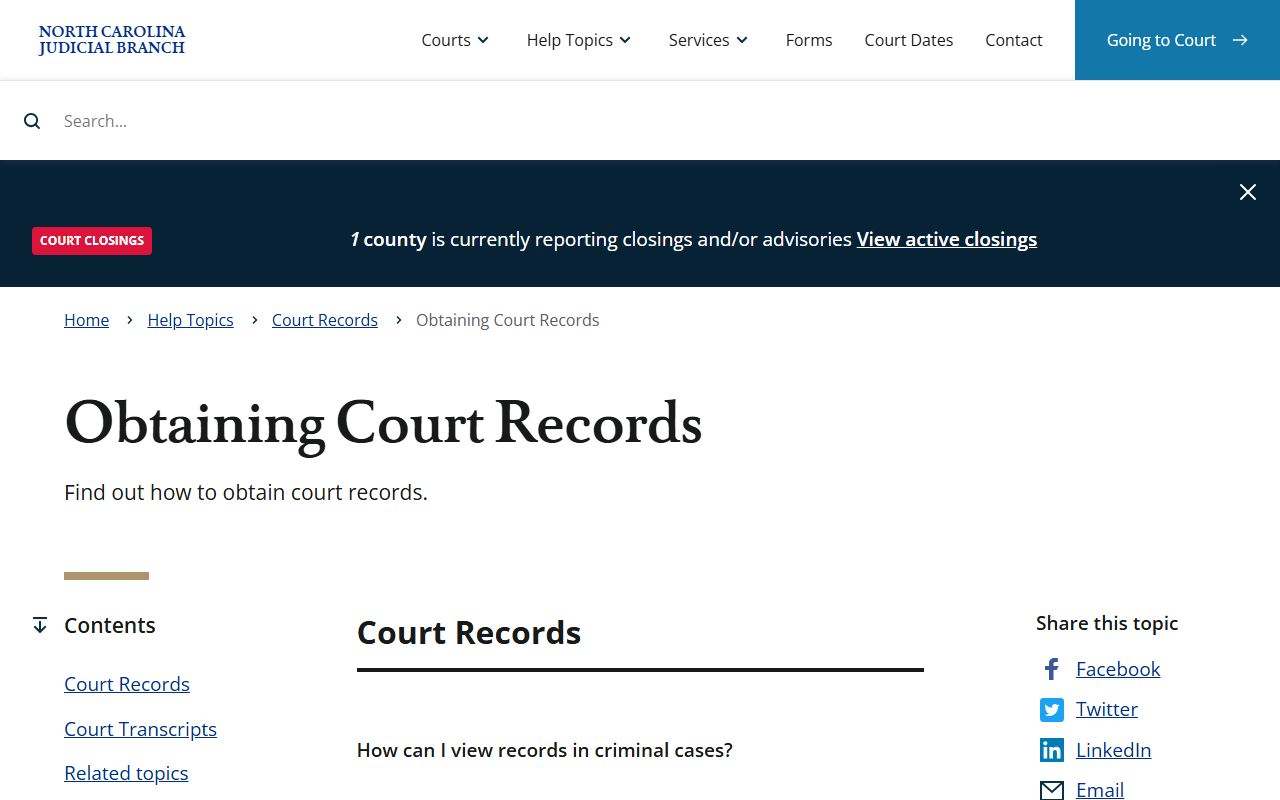
Some records are not online. Older files, sealed matters, and certified copies often need a trip to the clerk or a written request. Bring the case number, party names, and a photo ID. Certified copies carry a set fee and a raised seal that agencies and courts accept. The obtaining court records page explains the request steps.
Clerk of Superior Court
Guilford County Courthouse
201 South Eugene Street
Greensboro, NC 27401
Open weekdays during standard courthouse hours
How to Read a Guilford County Court Record
Court files use short codes and legal terms. Reading them right keeps you from drawing the wrong conclusion. A charge is not a conviction. A "disposed" status does not say who won. The disposition text tells the real outcome, such as a plea, a verdict, a dismissal, or a judgment. Two codes trip people up the most. "FTA" means failure to appear. "OFA" means order for arrest, which a judge can issue after a missed date.
These terms show up again and again in Guilford County case files:
- Plaintiff
- The party who files a civil lawsuit.
- Defendant
- The party sued in civil court or charged in criminal court.
- Petitioner
- The party asking the court for an order in a special or domestic case.
- Motion
- A written or spoken request for a court order.
- Disposition
- The final outcome of a charge or case.
- Continuance
- A postponement of a hearing to a later date.
- Expunction
- A statutory process that removes an eligible record from public access.
Always separate arrest, charge, conviction, sentence, and custody status. They are different stages, and a file can stop at any one of them. When a search returns nothing, check spelling, try the case number, drop extra filters, and confirm the county. Older, sealed, or non-converted files may not show online at all, so the clerk remains the backstop for a complete record.